
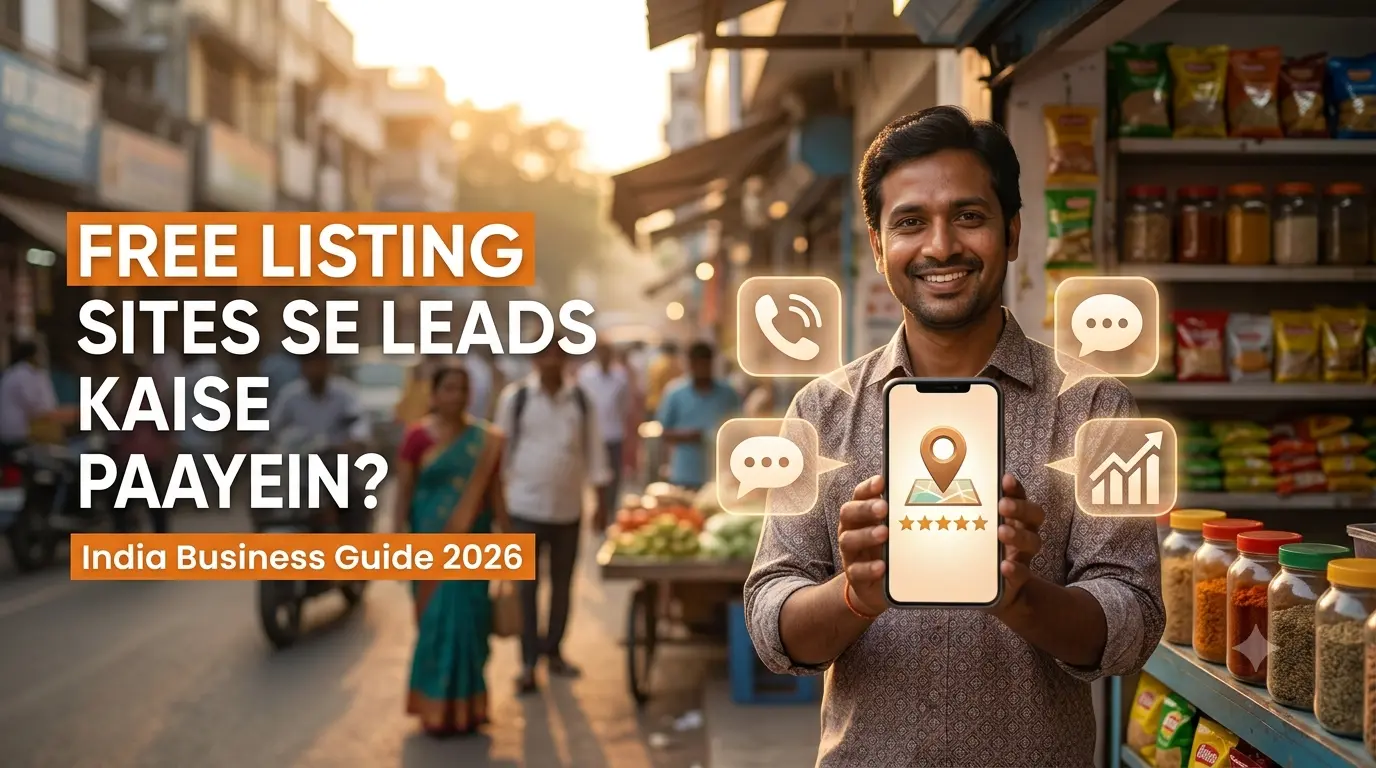
How to Get Leads from Free Business Listing Sites in India (2026 Guide)
How to Get Leads from Free Business Listing Sites in India (2026 Guide)
To get leads from free business listing sites in India, claim and verify your profile on the major platforms (Google Business Profile, Justdial, Sulekha, IndiaMART, Bing Places), keep your Name, Address and Phone (NAP) identical everywhere, fill every field with keywords and real photos, collect and answer reviews, and respond to enquiries within minutes. Done consistently, listings can bring a steady flow of calls, WhatsApp messages and form fills without an advertising budget.
Why Free Business Listings Still Work for Indian Businesses
Most Indian customers now start buying decisions with a search on their phone: Dentist near me, AC repair in Laxmi Nagar, wholesale rice suppliers in Delhi. Business listing sites capture exactly this high-intent traffic.
Free listings help you in three ways:
- Visibility: you show up on Google Maps, local directories and voice-assistant results.
- Trust: reviews, photos and consistent details prove you are a real, active business.
- Leads: customers can call, message or visit with a single tap.
For small businesses, startups, clinics, agencies and local service providers, this is one of the cheapest lead channels available. If you want to build a wider foundation, our guide to local SEO strategies for small businesses explains how listings fit into the full picture.
Best Free Business Listing Sites in India
Not every directory is worth your time. Prioritise platforms by who uses them.
| Platform | Best For | Lead Type |
|---|---|---|
| Google Business Profile | Every local business | Calls, directions, website clicks, messages |
| Justdial | Local services, restaurants, clinics, repairs | Phone enquiries |
| Sulekha | Home services, events, education | Service requests |
| IndiaMART | Manufacturers, wholesalers, B2B suppliers | Bulk and B2B enquiries |
| TradeIndia | Exporters, manufacturers | B2B leads |
| Bing Places | Extra search coverage | Calls, website visits |
| Apple Business Connect | iPhone users on Apple Maps | Directions, calls |
| Facebook / Instagram Business | Retail, beauty, food, lifestyle | DMs, WhatsApp clicks |
Note: Features, free-tier limits and paid upsells on these platforms change often, so check each platform's current terms before committing. Most offer a free basic listing, but some push paid plans heavily. You can generate leads without paying, but expect a steady stream of sales calls from some directories.
Step-by-Step: How to Get Leads from Free Business Listing Sites
Step 1: Standardise Your NAP Details
NAP stands for Name, Address, Phone number. Search engines compare these details across the web to decide whether your business is legitimate.
Before creating a single listing:
- Pick one exact business name (no keyword stuffing).
- Use one address format (for example, "No. 12, 2nd Street" everywhere, not "12, Second St" in some places).
- Use one primary phone number that you actually answer.
- Add a working website URL and email.
Inconsistent NAP is the most common reason listings fail to rank or generate leads. Save your final details in a document and copy-paste them into every listing.
Step 2: Claim and Verify Your Google Business Profile First
Google Business Profile (GBP) is the most valuable free listing for any Indian business, since it powers Google Search and Google Maps results.
To set it up properly:
- Create or claim your profile at business.google.com.
- Choose the most accurate primary category (this is a major ranking factor). Add relevant secondary categories.
- Add your service area or physical location, and set accurate opening hours, including holidays.
- Write a clear business description that includes your services and city naturally.
- Add products or services with descriptions and prices where possible.
- Verify the profile through Google's available method (video, phone, email or postcard).
Google publishes official guidance in the Google Business Profile Help Center, which is worth bookmarking for policy updates.
Step 3: Optimise Every Field, Not Just the Basics
Complete profiles consistently outperform half-filled ones. On every listing:
- Description: Explain what you do, who you serve and where, in natural language. Avoid copying the same paragraph everywhere, since duplicate text across directories adds little value.
- Categories and services: Be specific ("Pediatric dentist" beats "Dentist").
- Keywords: Include the services and areas people actually search for, such as "bridal makeup artist in Velachery."
- Attributes: Add details like wheelchair access, online payments, home delivery and women-led business where relevant.
- Links: Point to your website, booking page or WhatsApp link with UTM parameters so you can track leads in analytics.
Step 4: Upload Real, High-Quality Photos and Videos
Listings with photos tend to attract more clicks and direction requests than those without. Upload:
- Storefront or office exterior (helps people find you)
- Interior, team and work-in-progress shots
- Product or service photos
- A short walkthrough video
Use original images, not stock photos. Refresh them every month or two so your profile signals that it is active.
Step 5: Build a Review Engine
Reviews influence both ranking and conversion. A business with recent, detailed reviews generally earns more trust than one with a higher rating but no recent activity.
How to collect them ethically:
- Send your Google review link by WhatsApp or SMS right after a successful job or purchase.
- Add a QR code at your counter, invoices or packaging.
- Ask happy customers to mention the service they received, which naturally adds relevant keywords.
- Never buy reviews or offer incentives that violate platform policies. Fake reviews can get your listing suspended.
Reply to every review, positive or negative, within a day or two. A calm, helpful reply to a bad review often wins more customers than the review loses.
Step 6: Respond to Enquiries Within Minutes
This is where most Indian small businesses lose leads. Many listing platforms send the same enquiry to several competitors at once, so speed decides who wins.
- Keep notifications on for calls, messages and platform apps.
- Answer or return missed calls quickly.
- Use WhatsApp Business with quick replies and a greeting message.
- Prepare a standard reply covering price range, timings and a booking link.
If you can't respond personally, assign one team member to handle enquiries during business hours.
Step 7: Post Updates Regularly
Active profiles look trustworthy. On Google Business Profile, share:
- Offers and festive promotions (Diwali, Pongal, Ugadi, wedding season)
- New products or services
- Events and announcements
- Short tips related to your business
Post at least once or twice a week. This keeps your profile fresh and gives customers reasons to contact you.
Step 8: Track What Is Working
You can't improve what you don't measure. Track:
- Calls and messages from each listing platform
- Website visits from listings using UTM tags
- Direction requests on Google Maps
- Lead-to-customer conversion rate per source
Google Business Profile has built-in performance insights, and Google Analytics can show traffic from your tagged links. Double down on the platforms that produce paying customers and drop the ones that only send time-wasters.
Common Mistakes That Kill Listing Leads
- Using different phone numbers or addresses across directories
- Creating duplicate listings for the same location
- Choosing a wrong or vague category
- Ignoring reviews and enquiries
- Keyword-stuffing the business name (it violates Google's guidelines and can lead to suspension)
- Leaving profiles half-filled after the initial setup
- Getting trapped by paid upsell calls without checking ROI first
Tips for Specific Business Types
Local service businesses (plumbers, salons, tutors, clinics): Focus on Google Business Profile, Justdial and Sulekha. Reviews and fast response matter most.
B2B suppliers and manufacturers: Prioritise IndiaMART and TradeIndia. Add detailed product catalogues, specifications, minimum order quantities and certifications.
Restaurants and cafes: Combine Google, Justdial, Instagram and delivery platform profiles. Strong photos and menus drive footfall.
Agencies and freelancers: Use Google Business Profile (if you serve clients locally), LinkedIn and relevant industry directories. Pair listings with case studies on your site. For help turning listings into a complete growth system, explore the services at SrankBazaar
How Listings Support SEO, GEO and AI Search
Search is no longer limited to ten blue links. AI assistants and answer engines such as Google's AI Overviews, ChatGPT and Perplexity pull information from structured, consistent sources across the web. Business listings feed directly into this ecosystem.
To make your business easier for AI systems to find and recommend:
- Keep entity information consistent (name, services, location, hours) across every platform.
- Add schema markup (
LocalBusiness,FAQPage) to your website so machines can read your details accurately. - Write clear, factual descriptions that answer real customer questions directly.
- Earn authentic reviews and mentions on trusted platforms.
- Publish helpful content on your own site that supports what your listings claim.
Think of your listings as the foundation of your business's digital identity. The cleaner that identity is, the more confidently search engines and AI tools can surface you. Learn more in our post on how to optimise for AI search and answer engines.
A Simple 7-Day Action Plan
- Day 1: Finalise your NAP and business description.
- Day 2: Claim and verify Google Business Profile.
- Day 3: Create Justdial and Sulekha (or IndiaMART, for B2B) listings.
- Day 4: Add Bing Places and Apple Business Connect.
- Day 5: Upload photos, services and products everywhere.
- Day 6: Send review requests to your last 20 happy customers.
- Day 7: Set up tracking and a WhatsApp reply template.
After that, spend 30 minutes a week posting updates, replying to reviews and checking leads.
Frequently Asked Questions
Can I really get leads from free business listing sites in India?
Yes. Platforms like Google Business Profile, Justdial and IndiaMART connect you with people who are already searching for your product or service. Results depend on how complete your profile is, your reviews and how quickly you respond to enquiries.
Which free business listing site is best in India?
Google Business Profile is the best starting point for nearly every business because it covers Google Search and Maps. After that, choose based on your industry: Justdial and Sulekha for local services, IndiaMART and TradeIndia for B2B.
How long does it take to get leads from business listings?
Some businesses receive enquiries within days of verification. Ranking improvements and a steady lead flow usually build over a few weeks to a few months as reviews and activity accumulate.
Are free business listings enough, or do I need paid plans?
Free listings can generate real leads, especially for local businesses. Paid plans on some platforms boost visibility, but consider them only after you've measured the return from your free profile.
What is NAP consistency, and why does it matter?
NAP means Name, Address and Phone number. Matching these details across all listings helps search engines trust your business, which improves local rankings.
How many listing sites should I register on?
Quality beats quantity. Start with 5 to 8 relevant platforms and keep them updated, rather than creating dozens of neglected profiles.
Conclusion
Free business listing sites remain one of the most affordable ways to generate leads in India. The formula is simple: claim your profiles, keep your details consistent, optimise every field, collect genuine reviews and respond fast. Treat your listings as living assets rather than one-time tasks, and they will keep sending enquiries month after month.
If you'd like expert help with local SEO, listing management or AI-ready optimisation, visit SrankBazaar and see how a structured strategy can turn listings into a reliable lead engine.

Login with OTP
